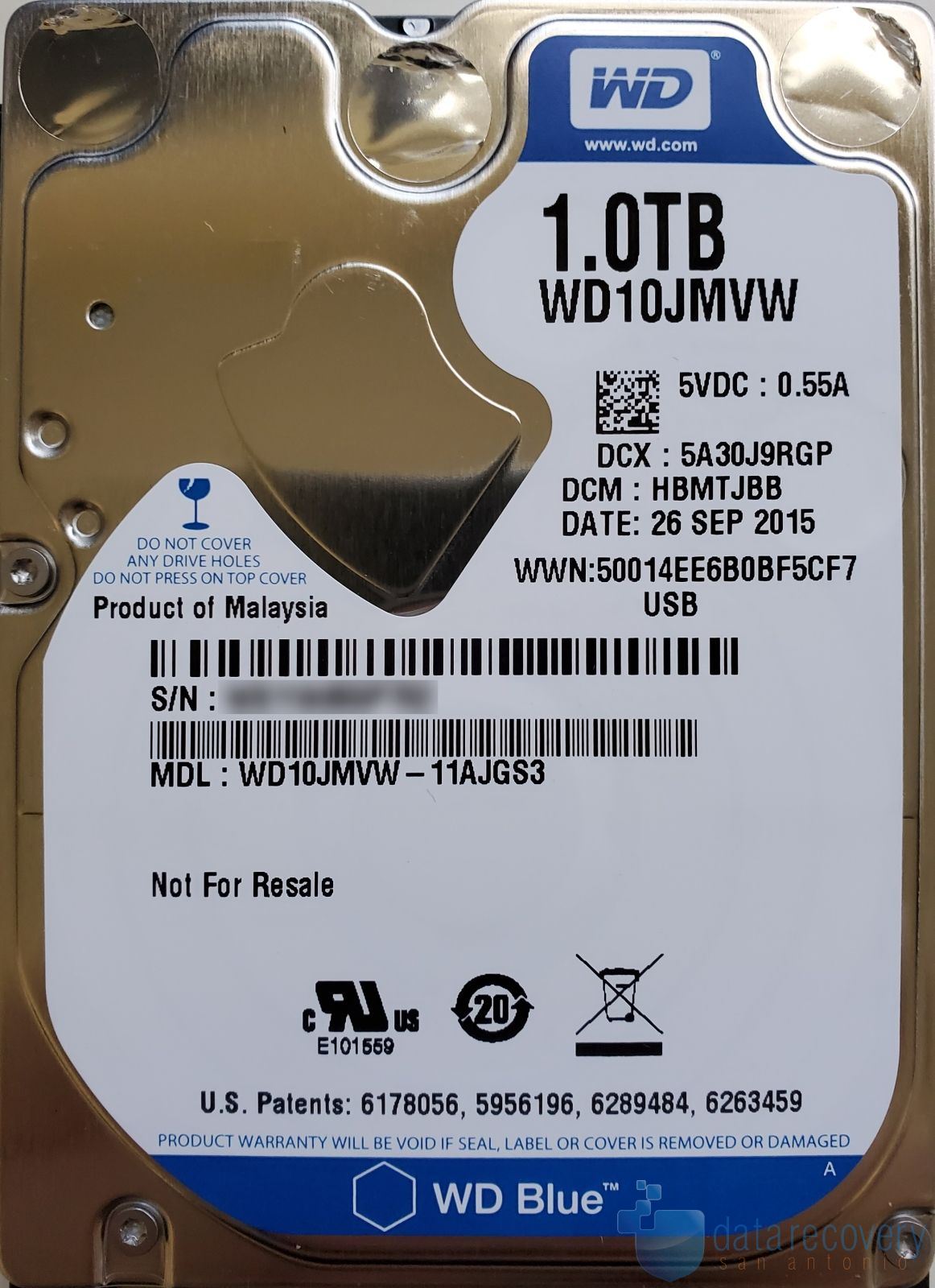
Manufacturer: Western Digital (WD)
Model: WD My Passport. Internal drive: WD10JMVW-11AJGS3
Capacity: 1TB
Symptoms: Customer states their external hard drive had been connecting intermittently but they could not copy data. They tried to download software and scan the drive but the computer froze. Eventually, the drive stopped being recognized by the PC at all.
Warning: Running disk scans (such as CHKDSK, Disk Utility repair, or third-party recovery software) on a failing drive can significantly worsen media damage and reduce the likelihood of successful recovery
Evaluation: The drive exhibited extensive bad sectors caused by media degradation. As the number of unreadable sectors increased, the firmware’s defect management system became overloaded, resulting in slow response times and eventual failure to respond. This type of firmware damage is common for a drive that is slow, connects intermittently, or causes the computer to freeze.
Recovery Process: We were able to bypass the drive’s inability to respond, and then adjusted and stabilized the firmware to allow controlled imaging. The drive was imaged using hardware level tools designed to safely read unstable media while minimizing further risk of damage.
Results: All user data was recovered.
Warning: Attempting firmware updates or running software on a failing drive can permanently reduce recovery chances. Firmware issues in failing drives are often secondary to physical media problems.