
Case: #SA-DR-2026-004
Issue: Alarm, Volume Crash and No IP Access Recovery
Manufacturer: Synology
Model: DiskStation DS916+
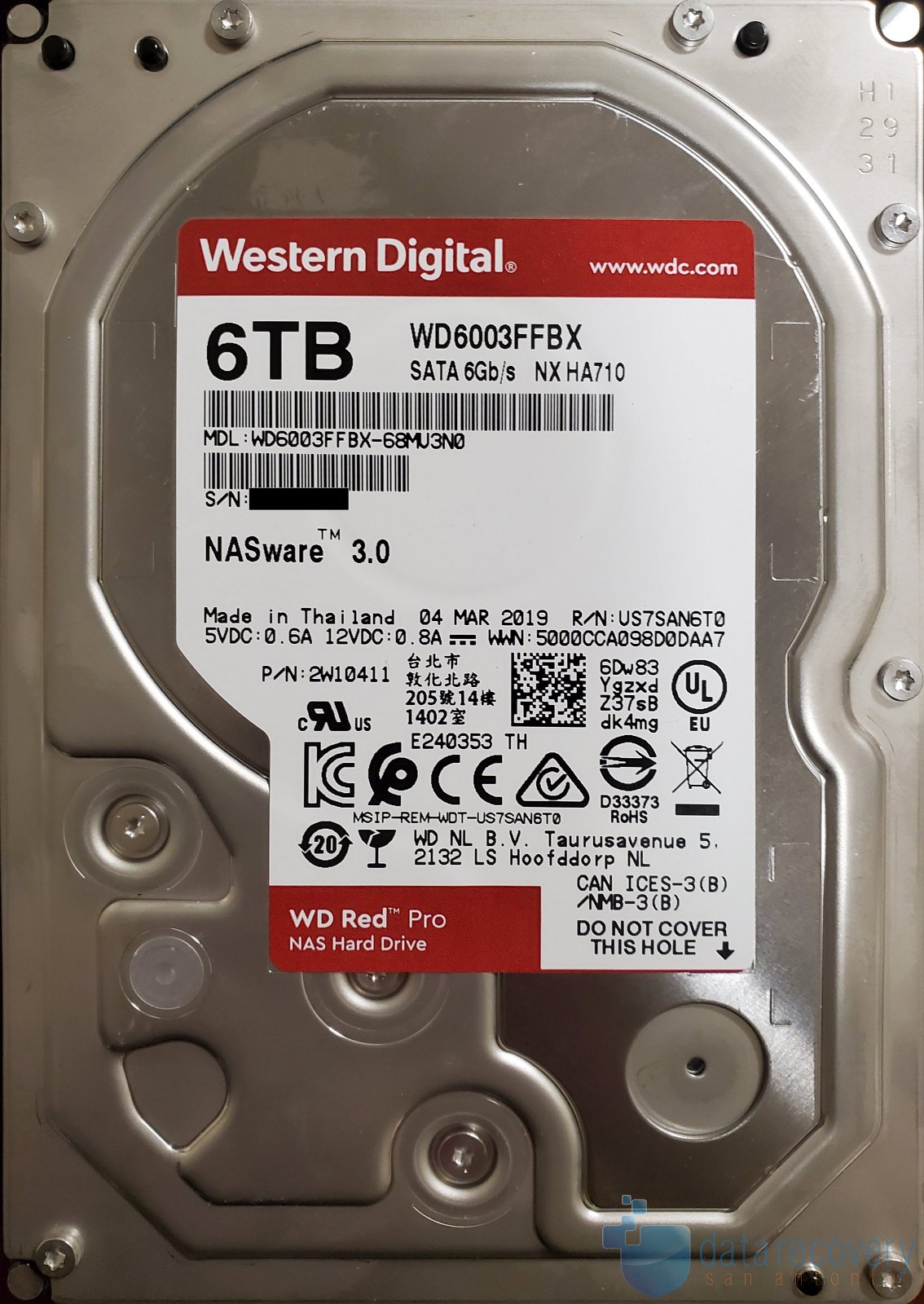
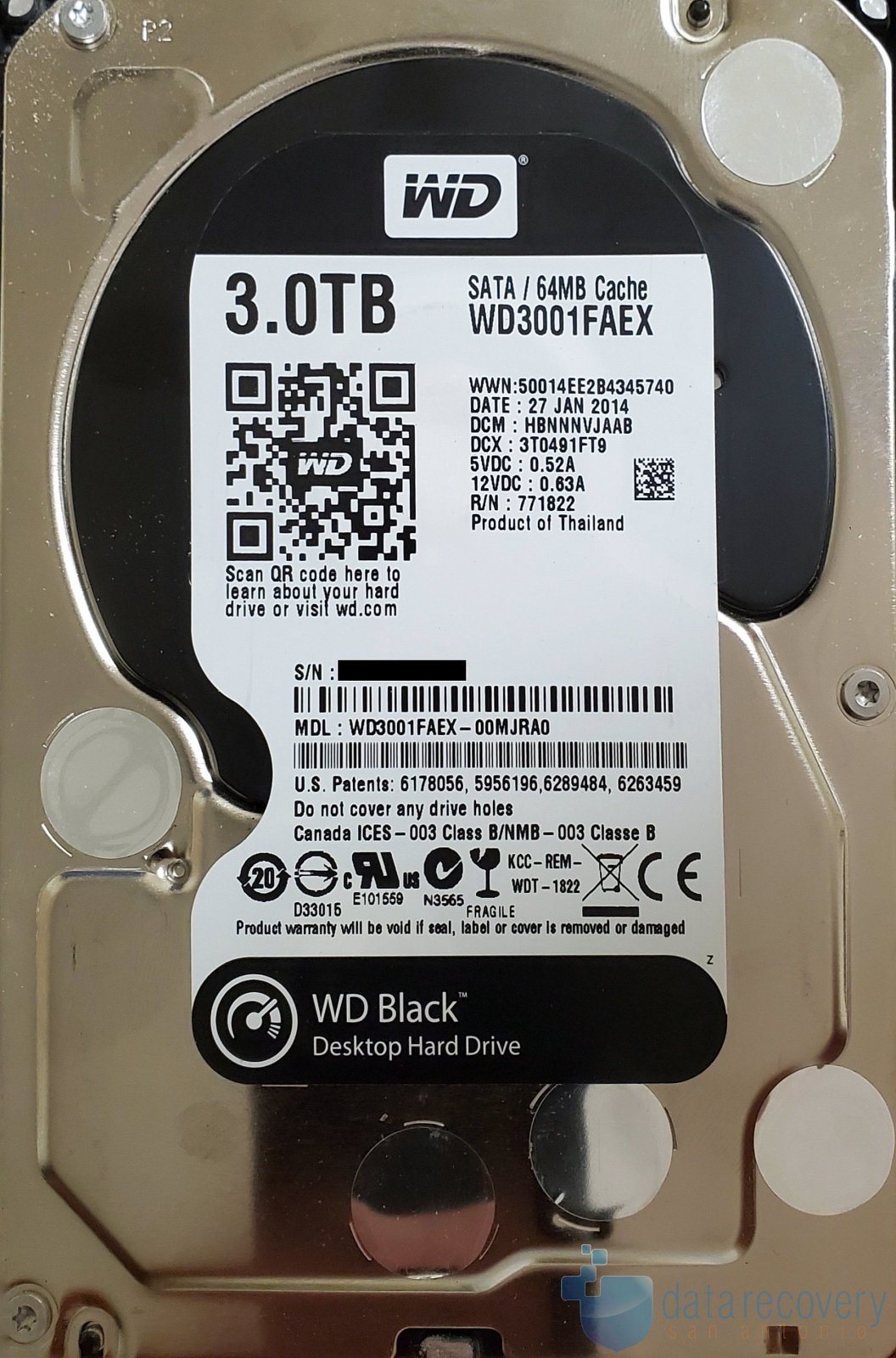
Capacity: 1 × 3TB HDD + 3 × 6TB HDD, Synology Hybrid RAID (SHR): ~ 15TB
Customer States: The customer reported that their Synology DiskStation DS916+ NAS began alarming over the weekend in a server room environment, with no known power surge.
They required access to a critical accounting folder and attempted to log in via IP address but were unable to connect. The system initially reported a “Volume 1 crash” error.
Troubleshooting steps performed by the customer included:
- Power cycling the unit
- Reseating drives
- Attempting to boot with one drive at a time
Observed behavior per drive:
- Drive 1 (6TB): No boot, intermittent clicking, inconsistent detection
- Drive 2 (3TB): DHCP IP assigned, system accessible, but no drives detected; prompts to install DSM
- Drive 3 (6TB): Assigned an IP, login screen accessible, shows degraded RAID with no usable data
- Drive 4 (6TB): Similar to Drive 1, intermittent clicking and no proper detection
When combining Drive 2 and Drive 3, the system prompted for a fresh DSM installation, indicating loss of RAID configuration.
Evaluation: Initial diagnostics identified:
Drive 4: Mechanical failure
Drive 1: Unstable but recoverable
Drives 2 and 3: Readable and suitable for cloning
The RAID configuration metadata was damaged, and the original Synology array structure was not intact. Reconstruction requires manual analysis of the underlying RAID layout
Recovery Process:
- Stabilized and recovered all sectors from Drive 1, including sector-by-sector clone
- Created sector-by-sector clones of Drives 2 and 3
- Analyzed RAID structure and identified that the system contained multiple RAID 5 arrays, including:
- A 1TB array spanning both 3TB and 6TB drives
- A 2TB array spanning both 3TB and 6TB drives
- A 3TB array spanning only the 6TB drives
In Synology Hybrid RAID (SHR), arrays are combined into a spanned volume, increasing complexity. Additionally, the drive order differs between arrays, requiring careful reconstruction of each segment before assembling the full dataset.
Warning: RAID systems, especially multi-array or hybrid configurations, like this Synology DiskStation DS916+, can become significantly more difficult to recover if not handled correctly. Avoid the following
- Repeatedly powering on drives after a failure
- Losing track of drive order
- Replacing the wrong drive and then forcing rebuild
- Rebuilding or initializing RAID while errors or malfunctioning drives are present
- Reinstalling DSM when prompted
If your system shows a “volume crash” or missing drives, and your data is important, power it down immediately and seek professional evaluation.
Results: 100% of the requested data was successfully recovered

If your system has failed, our RAID data recovery service can help recover data from damaged arrays and failed drives.
Learn more about how Synology RAID works on the official Synology knowledgebase website.