
Manufacturer: Custom built Supermicro Server
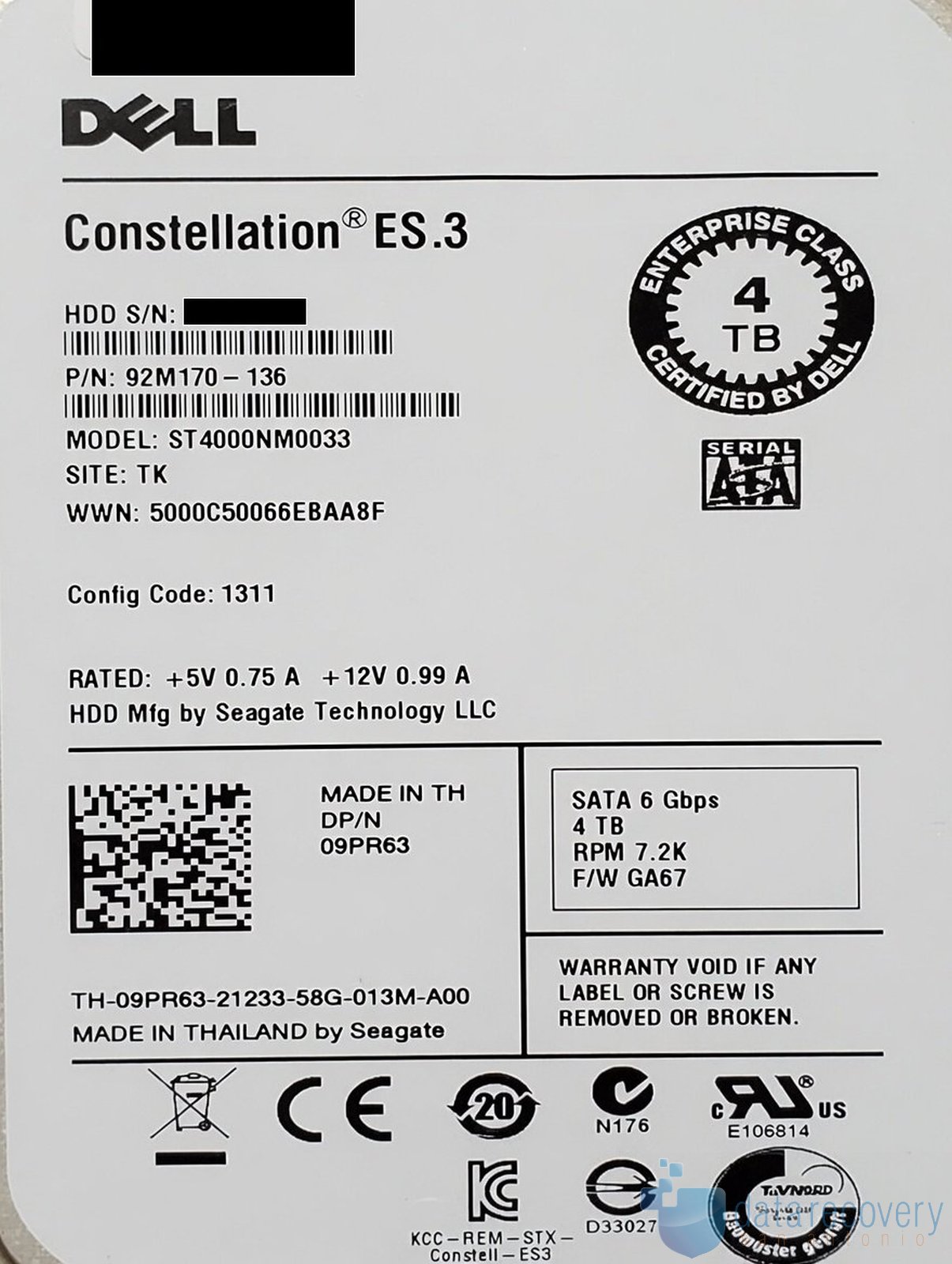
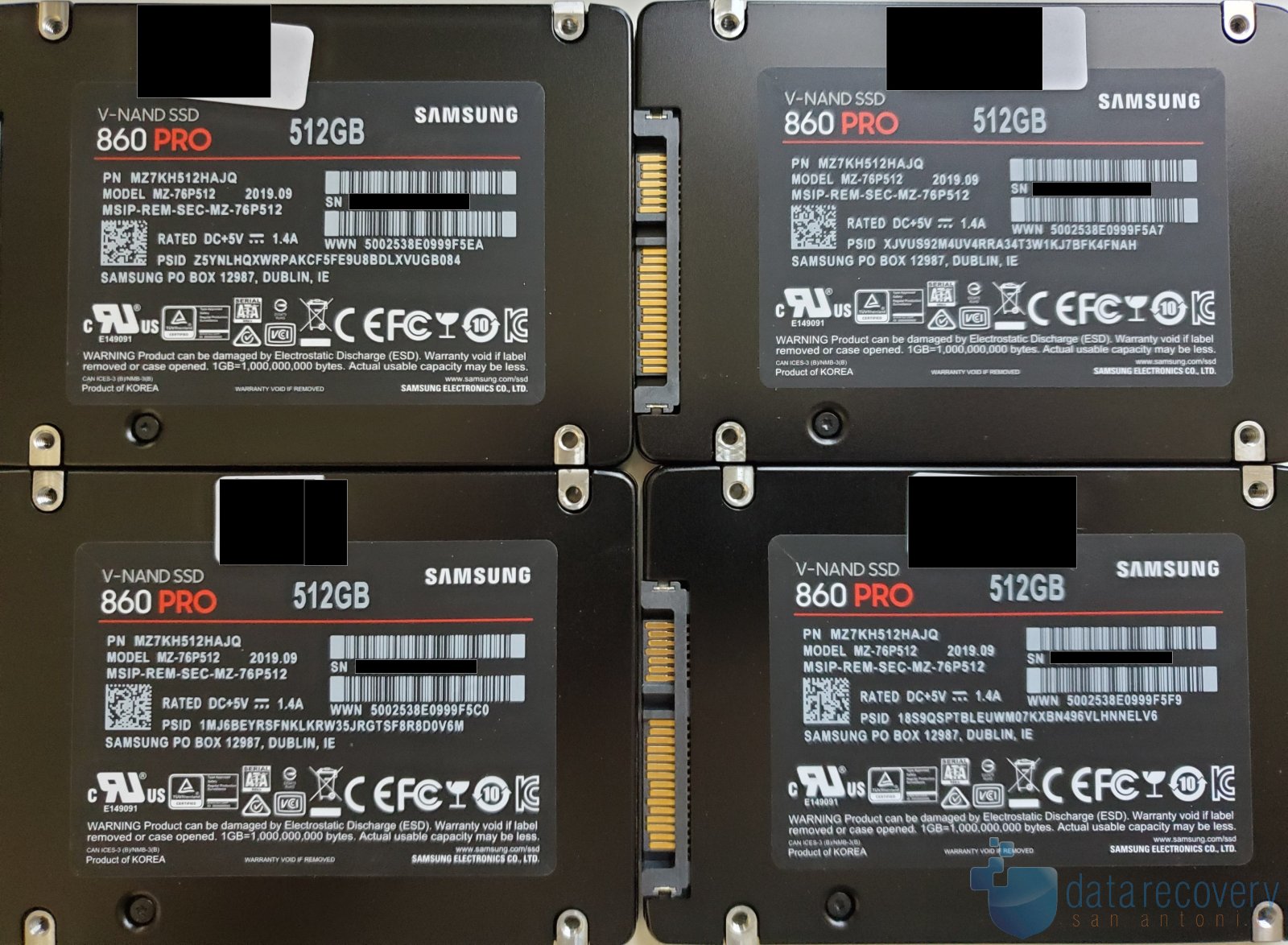
Model: Supermicro CSE-743TQ-865B-SQ Server with Microsoft Windows Server 2019 Standard & 4x Samsung MZ-76P512 & 2 x Dell/Seagate Constellation ES.3 ST4000NM0033
Capacity: Approximately 10TB Total Capacity (4 × 512GB SSDs and 2 × 4TB HDDs) with 4.5TB available in Microsoft Storage Spaces
Customer States: The customer’s server stopped functioning in September and was then given to an IT provider for attempted recovery before the system was sent to our lab. The server had reportedly been offline while various recovery attempts were performed, including ‘scanning’ for several months. The customer was unable to access critical business data and was informed by previous provider that recovery was unlikely.
Evaluation: The system consisted of four 512GB SSDs and two 4TB hard drives. Two SSDs contained the operating system while the remaining SSDs and HDDs contained Storage Spaces metadata and user data. One hard drive had catastrophic platter damage and was completely unrecoverable. This may have occurred before prior recovery attempts or during. The second hard drive had suffered head failure and platter damage but was eventually recovered. All SSDs were in good physical condition. There was a discrepancy between MSSS metadata indicating one HDD had failed prior to September and the server had been running in a degraded mode. MSSS metadata on the SSDs was dated near the end of the prior recovery attempts, indicating portions of the Storage Spaces metadata had likely been updated after the array became degraded. Analysis of the recovered drives suggested the server used multiple mirrored storage volumes in combination with Microsoft Storage Spaces. This configuration allowed the system to continue operating after an initial drive failure, but potentially delaying detection of the problem until a second drive failure occurred.
Recovery Process: Data recovery for this SuperMicro server required at least one 4TB HDD to be fully recovered. We were able to accomplish this with multiple head swaps. Each head swap allowed recovery of more of the drive’s sectors until we reached over 99% recovery. As expected, Standard Storage Spaces reconstruction methods produced an incomplete result, with file structures visible but critical file contents missing or corrupted. Analysis revealed metadata was out of sync with current data on the drives. Fortunately, the customer only needed archived data which had not changed while the server was running in degraded mode. Additional manual analysis was required to identify how data was distributed between the remaining SSD and HDD members. By reconstructing portions of the storage layout manually and combining metadata recovered from multiple devices, the virtual volume was rebuilt and the critical customer data was recovered.
Important Notice: Microsoft Storage Spaces arrays can become significantly more difficult to recover when failed drives remain in service, when recovery attempts continue for extended periods after a drive begins failing, or when array members are repeatedly connected to different Windows systems. Even read-only diagnostic actions can complicate recovery when Storage Spaces metadata is modified without users knowledge. If a Microsoft Storage Spaces or RAID-based server begins experiencing problems, verify the health of all drives and avoid connecting array members to other Windows computers, as metadata changes may make data recovery more difficult.
Warning: A redundant storage system may continue operating after a drive failure, masking a degraded condition until additional drives fail. In servers that combine RAID and Microsoft Storage Spaces, a drive failure may be reported by the RAID subsystem or server hardware while the Storage Spaces volume continues operating normally. Administrators should monitor all available warning systems, including RAID management software, server hardware alerts, and storage health reports, rather than relying on a single source of notifications.
Results: All critical archived data was successfully recovered. A limited amount of recently modified data stored partially on the unrecoverable hard drive could not be recovered, but duplicate copies were available from the client’s backups.

Need Professional RAID or NAS Data Recovery?
Need professional Microsoft Storage Spaces or RAID data recovery?
If your Windows server, Microsoft Storage Spaces volume, RAID array, or other multi-drive storage system becomes inaccessible, Data Recovery San Antonio provides professional RAID data recovery services, including failed drives, damaged PCBs, and degraded arrays. If you need data recovery assistance, submit your job here or text/call 210-417-4157 to schedule an appointment.